

If you are not able to see the video, please ensure that you have accepted the Functional cookies.
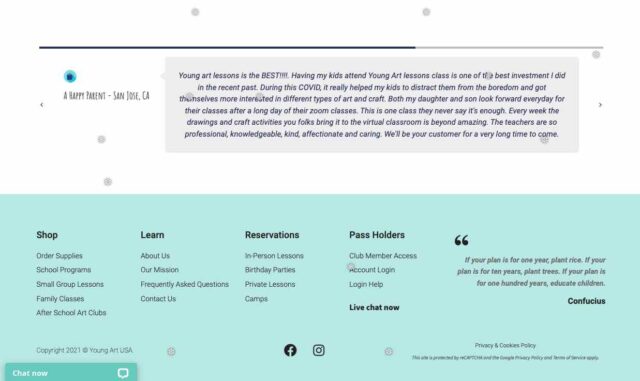
Click “Privacy & Cookies Policy”
On the pop-up:  Read More, Accept or click Cookie Settings


If you are not able to see the video, please ensure that you have accepted the Functional cookies.
Click “Privacy & Cookies Policy”
On the pop-up: Read More, Accept or click Cookie Settings